 CASANA
Para quien trabajaFor workers

Crea tu perfilCreate your profile
Regístrate con WhatsApp, Google o correo y elige “Quiero trabajar”. Agrega tu foto, tus idiomas y las zonas donde trabajas. Elige hasta 5 servicios y pon tu precio: por hora, por visita o por día. Tú decides, y lo cambias cuando quieras.Sign up with WhatsApp, Google or email and choose “I want to work”. Add your photo, languages and the zones where you work. Pick up to 5 services and set your price: per hour, per visit or per day. You decide, and you can change it anytime.

Tu calendario, tus reglasYour calendar, your rules
Elige los días y horas en que trabajas. Los hogares solo te ven en esos horarios.
• Bloquear día: para tus días libres.
• Disponible hoy: si te desocupaste.
• Vacaciones: pausa tu perfil.
• Contratar ahora: los hogares te reservan al momento en tus horarios libres.
Todo es opcional.Choose the days and hours you work. Homes only see you at those times.
• Block a day: for your days off.
• Available today: if you freed up.
• Vacation: pause your profile.
• Hire now: homes book you on the spot in your free hours.
All optional.

Recibe solicitudesGet requests
Te llega una solicitud con el servicio, la fecha, la zona y el presupuesto. Antes de aceptar no hay chat: la solicitud te muestra lo que necesitas saber. Tienes 2 horas para responder sí o no; de 9 de la noche a 7 de la mañana el reloj se detiene. Rechazar nunca te afecta. Tú no pagas ni tienes llaves: para avisarle a un hogar, toca «Me interesa» (unas veces por semana).A request arrives with the service, date, zone and budget. There is no chat before you accept: the request shows you what you need to know. You have 2 hours to say yes or no; from 9 pm to 7 am the clock is paused. Declining never hurts you. You never pay and never hold keys: to let a home know, tap "I'm interested" (a few times a week).

Verifica tu identidadVerify your ID
Si quieres, verifica tu identidad con tu INE o pasaporte y una selfie. Lo revisa el equipo de Casana; puede tardar hasta 7 días y tus fotos se borran al terminar. Es opcional, es gratis y le da confianza a cada hogar.If you want, verify your identity with your INE or passport and a selfie. Casana’s team reviews it; it can take up to 7 days and your photos are deleted once it’s done. It is optional, free and gives every home confidence.
Llega y muestra tu QRArrive and show your QR
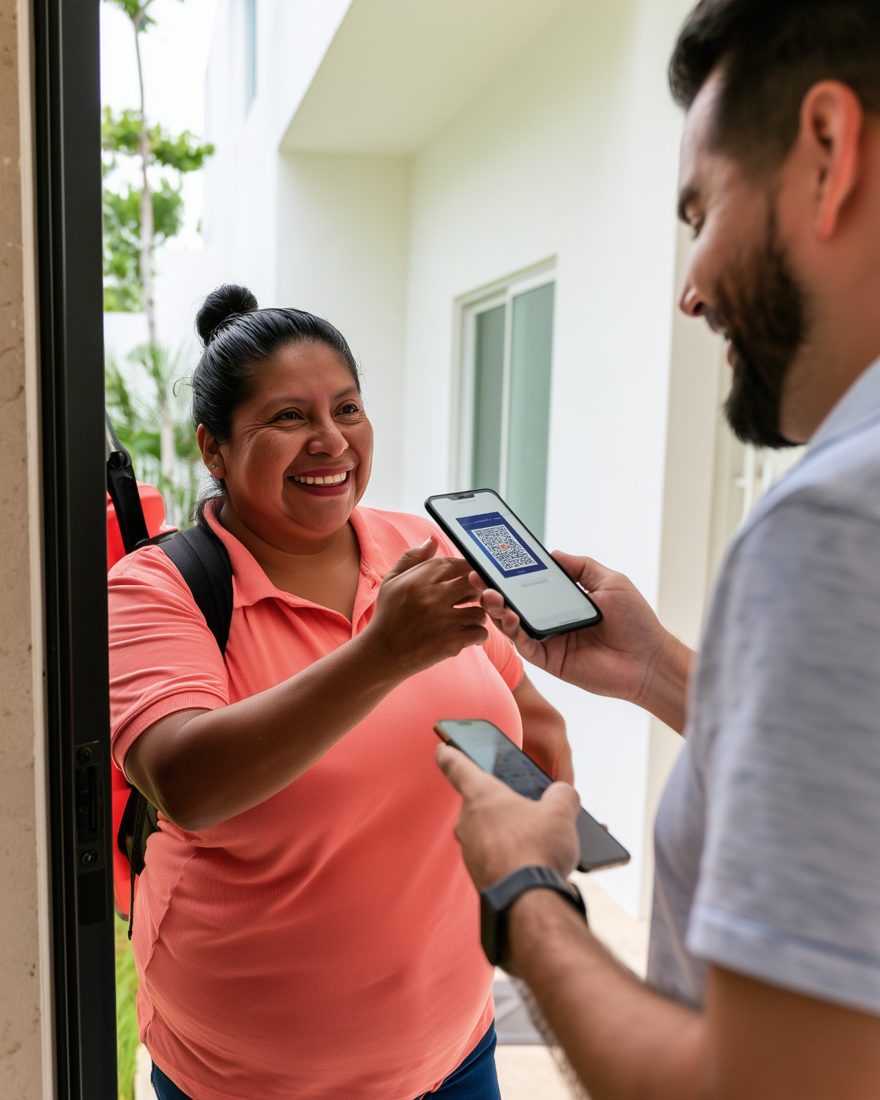
Al llegar, toca “Ya llegué” y tu teléfono mostrará un código QR para que el hogar lo escanee (¿sin cámara? usen el código de 4 dígitos). Puedes registrar tu llegada desde 15 minutos antes y hasta 1 hora después de la hora acordada; si pasan más de 30 minutos, queda anotado como llegada tarde, solo entre ustedes dos. Este es el momento clave: tu trabajo queda registrado como una nueva Conexión.When you arrive, tap “I’ve arrived” and your phone shows a QR code for the home to scan (no camera? use the 4-digit code). You can check in from 15 minutes before until 1 hour after the agreed time; after 30 minutes it’s noted as a late arrival, visible only to the two of you. This is the key moment: your work is recorded as a new Conexión.
Termina el trabajoFinish the job
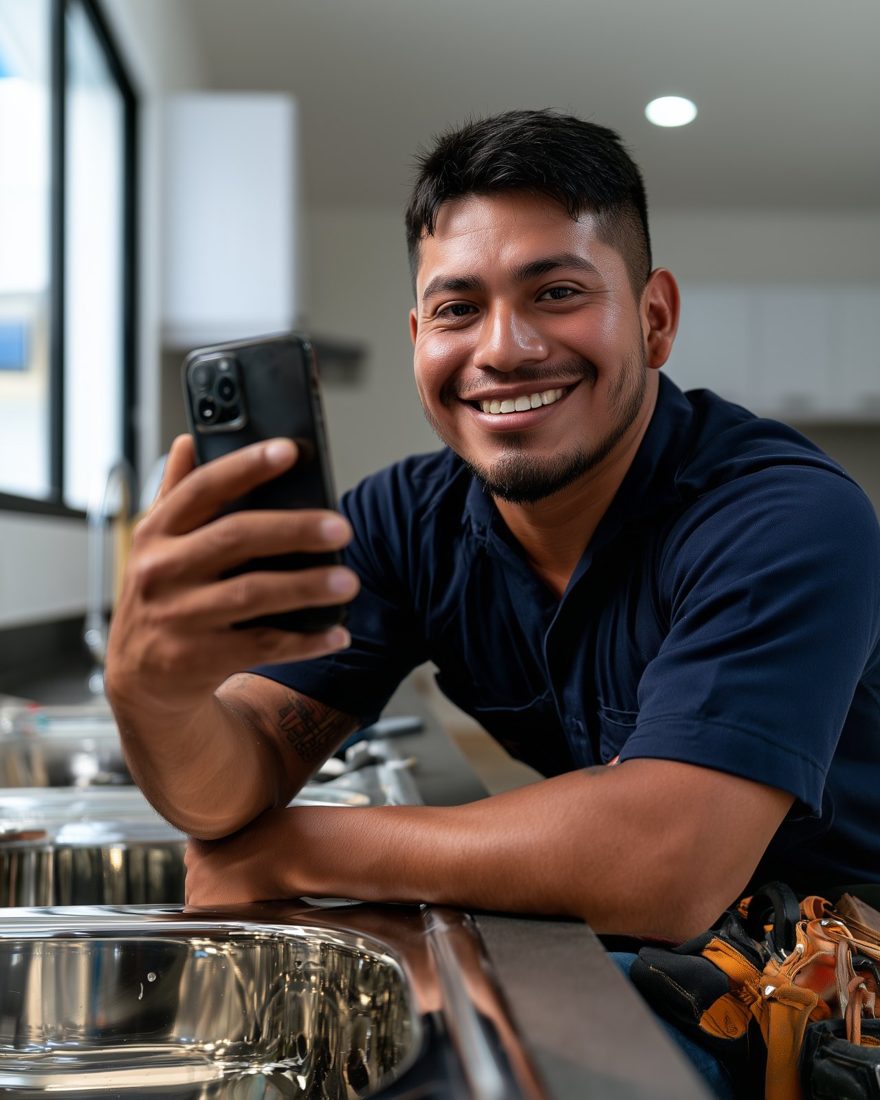
Si quieres, manda fotos del trabajo terminado. Si el hogar quedó contento, te da el código de salida y el trabajo queda completado. El pago se acuerda directo con el hogar, fuera de la app.If you like, send photos of the finished work. If the home is happy, they give you the completion code and the job is done. Pay is agreed directly with the home, outside the app.

Reseñas y ConexionesReviews and Conexiones
Después de cada conexión, cada quien deja estrellas y, si quiere, un comentario. Cada llegada confirmada suma a tus Conexiones. Tu buen nombre va contigo a cada casa nueva.After each connection, you each leave stars and, if you wish, a comment. Every confirmed arrival adds to your Conexiones. Your good name goes with you to every new home.
Cuídate siempreStay safe
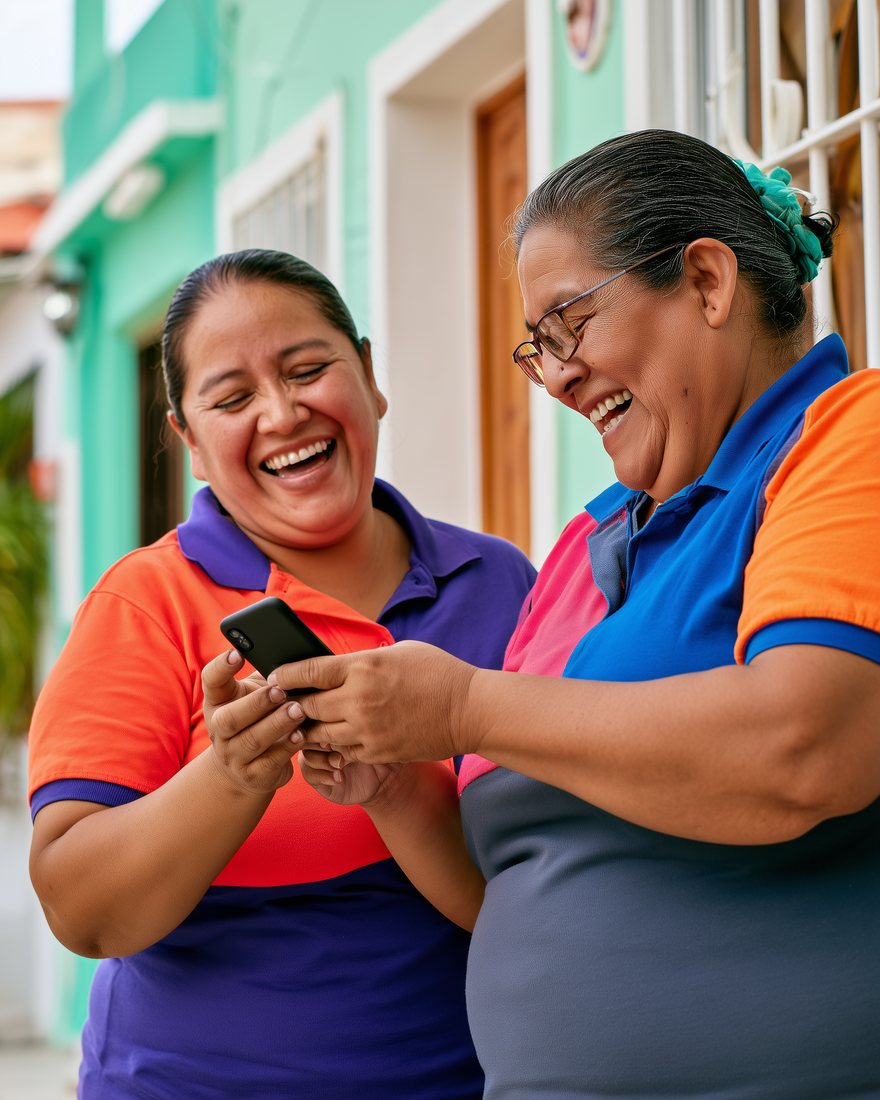
Platica solo por el chat de Casana: tu número nunca se muestra. Si algo no se siente bien, usa el botón de reporte o bloquea. Nunca compartas datos bancarios. La verificación de identidad es opcional y es gratis.Chat only inside Casana: your number is never shown. If something feels wrong, use the report button or block. Never share bank details. ID verification is optional and free.
Para hogaresFor homes

Regístrate y agrega tu hogarSign up and add your home
Regístrate y elige “Quiero contratar”: los primeros 500 hogares reciben 3 llaves de Fundador. Agrega tu dirección con pin en el mapa, notas (mascotas, niños, pisos) y tus códigos de acceso. Para la insignia 🏠 Hogar verificado, envía tu INE y la foto de un recibo reciente de luz (CFE), agua, internet o predial con la dirección de tu casa; puedes mandarlos al mismo tiempo y se revisan juntos.Sign up and choose “I want to hire”: the first 500 homes get 3 Founder keys. Add your address with a map pin, notes (pets, kids, floors) and your entry codes. For the 🏠 Verified home badge, send your ID and a photo of a recent power (CFE), water, internet or property-tax bill showing your home address; you can send both at the same time and they are reviewed together.

Busca y filtraSearch and filter
Elige servicio, fecha, horario y presupuesto. Filtra por idioma, zona, estrellas, Conexiones y especialidades. Nadie paga por salir primero en la lista; el punto verde indica quién está en línea.Choose the service, date, time and budget. Filter by language, zone, stars, Conexiones and specialties. Nobody pays to appear first in the list; the green dot shows who is online.

Tus llaves abren conexionesYour keys open connections
Las llaves son solo para los hogares: cada una abre una conexión con una trabajadora nueva. Tu llave queda apartada al enviarla y solo se usa cuando la persona acepta. Después de trabajar con esa persona una vez, ya no se necesita llave. Si no se confirma su llegada, la llave regresa a Mis llaves. Puedes comprar llaves cuando quieras: 1, 5, 10 o 25 ($59 cada una o menos en paquete), y activar la recarga automática.Keys are for homes only: each one opens a connection with a new worker. Your key is set aside when you send it and is used only when the worker accepts. After you have worked together once, no key is needed. If the arrival isn’t confirmed, the key goes back to My keys. You can buy keys anytime: 1, 5, 10 or 25 ($59 each, less in a pack), and turn on automatic refill.

Envía tu llaveSend your key
Contrata ya te muestra las 3 personas que mejor coinciden con lo que buscas. Eliges una y un respaldo. La persona tiene 2 horas para responder. De 9 de la noche a 7 de la mañana el reloj se detiene. Si dice que no, no responde o cancela, le preguntamos a tu respaldo con la misma llave. Si nadie puede, tu llave regresa. Cuando la persona acepta, ve en la app tu dirección exacta y tus instrucciones (antes solo veía la zona). Tus códigos de acceso le llegan 2 horas antes de la visita.Hire now shows you the 3 people who best match what you need. You pick one and a backup. The worker has 2 hours to answer. From 9 pm to 7 am the clock is paused. If the worker says no, does not answer or cancels, we ask your backup with the same key. If nobody can, your key comes back. When the worker accepts, they see your exact address and instructions in the app (before, they only saw the zone). Your entry codes reach them 2 hours before the visit.
Escanea su QR al llegarScan their QR on arrival
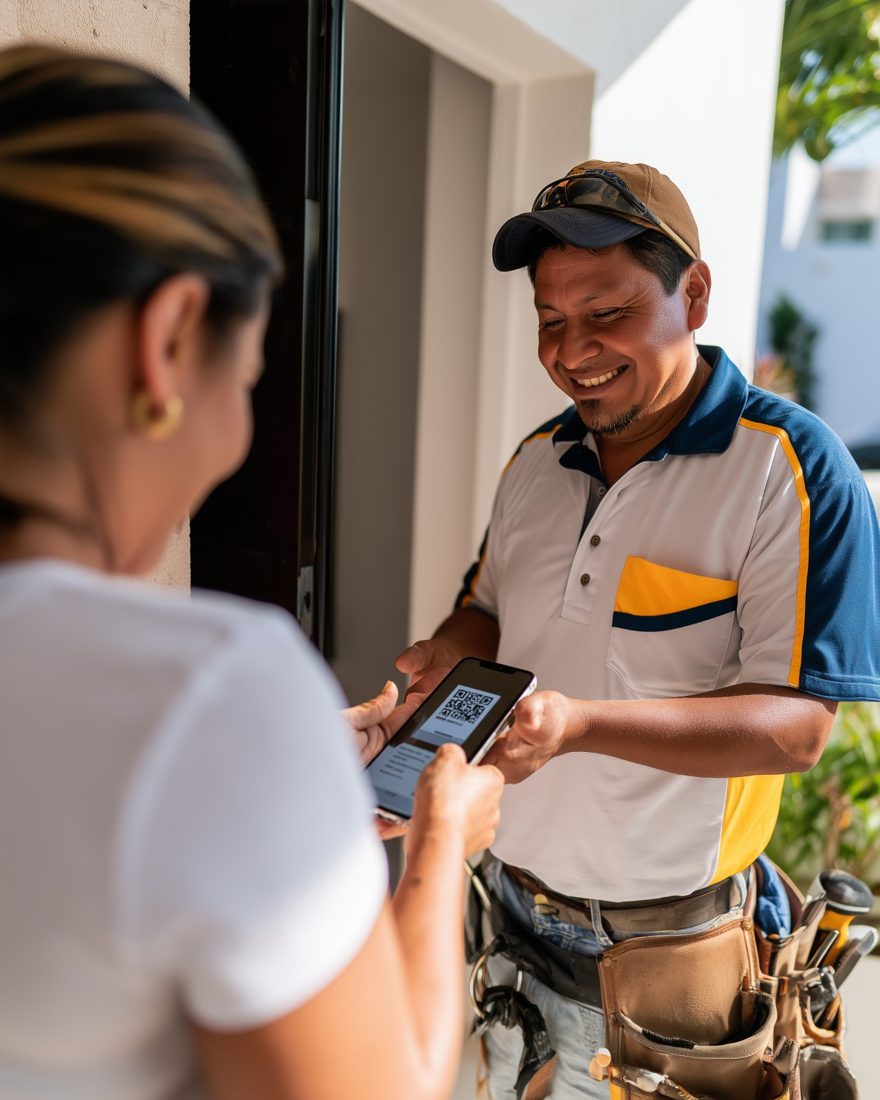
Cuando la trabajadora llegue, escanea el código QR de su teléfono. ¿Sin cámara? Usa su código de 4 dígitos. Si no se confirma la llegada en 1 hora, tu llave regresa.When the worker arrives, scan the QR code on their phone. No camera? Use their 4-digit code. If the arrival isn’t confirmed within 1 hour, your key comes back.

Califica y gana karmaRate and earn karma
Al terminar, da el código de salida y deja tu reseña. Confirmar llegadas, completar trabajos y dejar reseñas sube tu karma.When the job is done, give the completion code and leave your review. Confirming arrivals, completing jobs and leaving reviews raise your karma.

Cambios y cancelacionesChanges and cancellations
¿Cambiaron tus planes? Cancela con 2 horas o más de anticipación y tu llave regresa. Si la trabajadora cancela, le preguntamos a tu respaldo; si nadie puede, tu llave regresa.Plans changed? Cancel 2 hours or more before the visit and your key comes back. If the worker cancels, we ask your backup; if nobody can, your key comes back.